2 · Dashboard & Search
2.1 Your dashboard
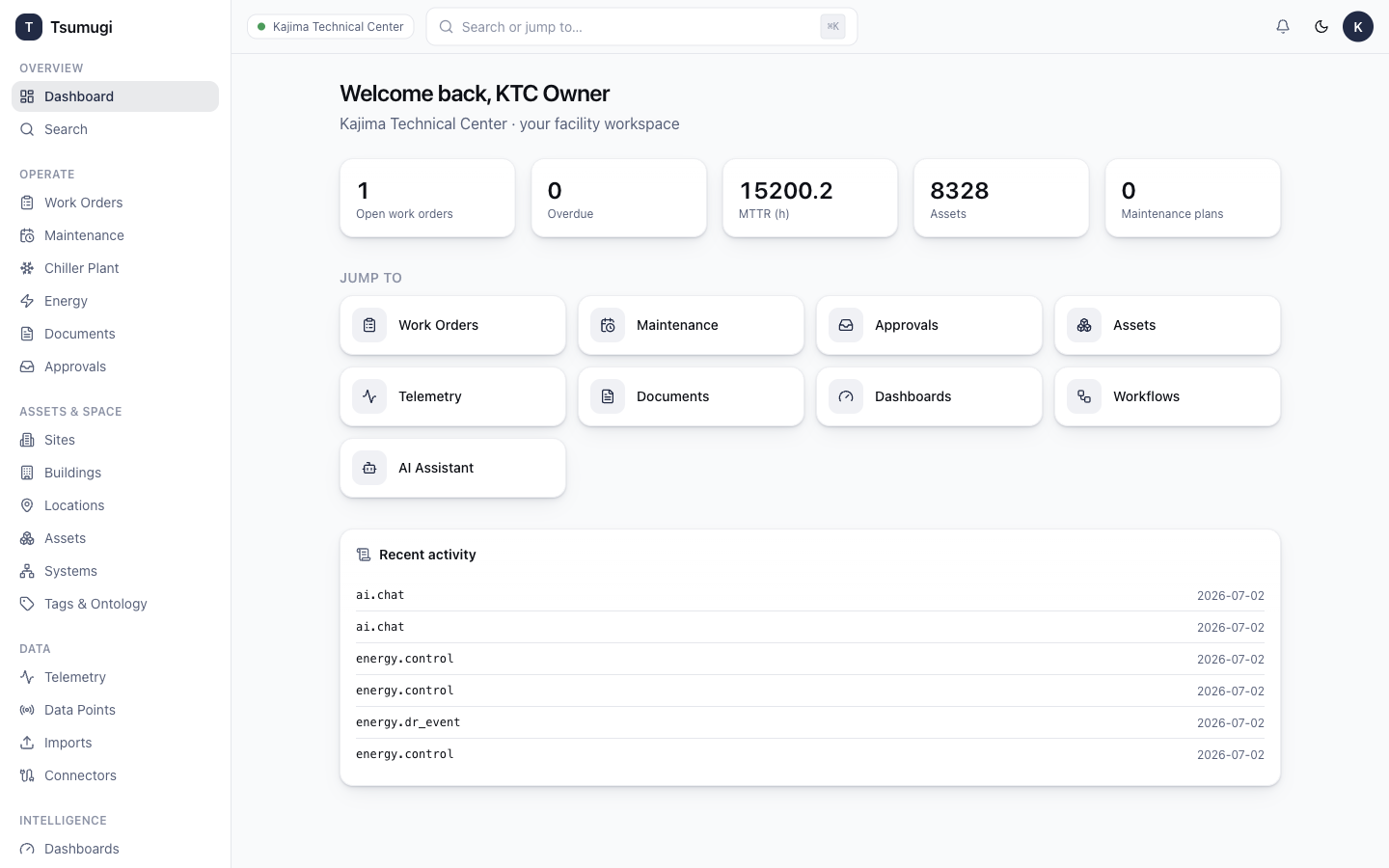
The Dashboard (first item in Overview) is your landing page — an at-a-glance summary of the facility. Depending on your dashboards it shows KPI tiles, charts, recent activity, and module summaries (work orders, energy, chiller performance).
- To open a fully-featured, editable dashboard, use the Dashboards module (see Chapter 8).
- Tiles are live — they refresh on their own.
2.2 Global search
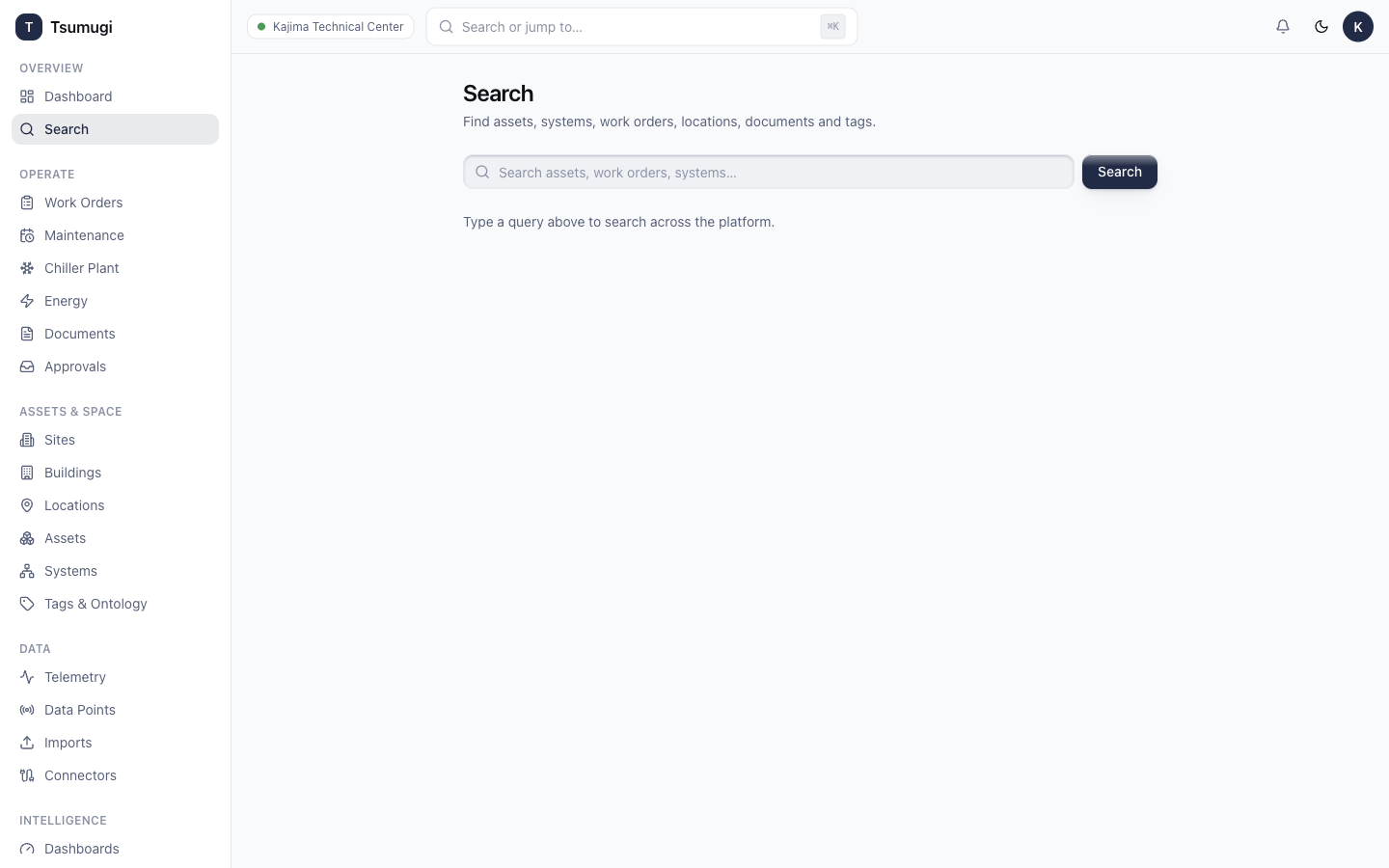
Search finds assets, work orders, systems and documents across the whole tenant.
- Click the Search or jump to… box in the top bar, or press ⌘K / Ctrl-K anywhere.
- Type what you're looking for — an asset code (e.g.
CHP-01), a work-order number, a keyword likechiller. - Results are grouped by type. Click a result to open its detail page.
Search respects your permissions — you only see records you're allowed to view.