4 · Chiller Plant (CPMS)
Open Operate → Chiller Plant. This is the operator console for the chilled-water plant: live performance, control, safety, AI optimisation and fault detection.
4.1 Monitoring the plant
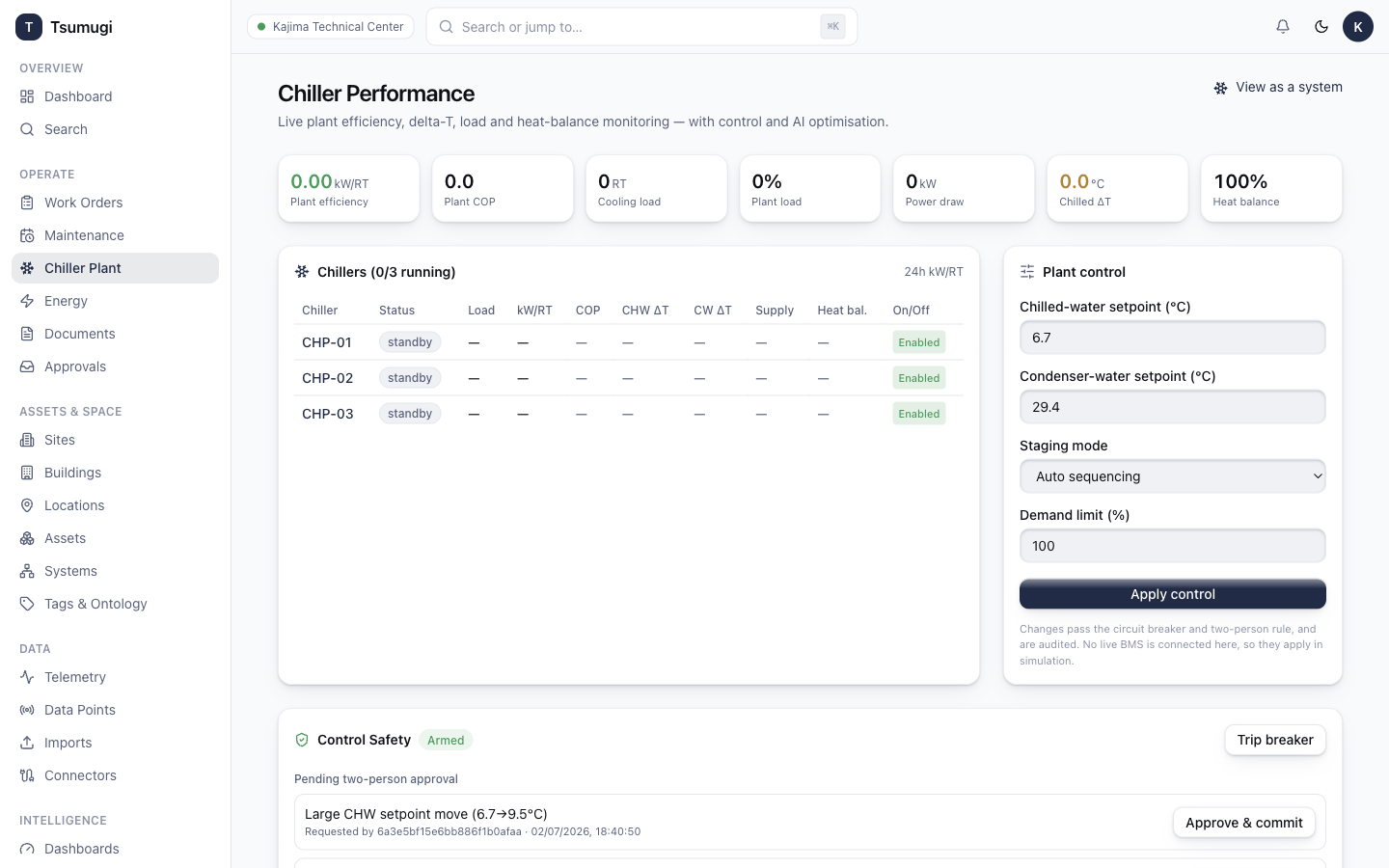
The top strip shows the live plant KPIs:
- Plant efficiency (kW/RT) — lower is better; green = efficient.
- Plant COP, Cooling load (RT), Plant load (%), Power draw (kW), Chilled ΔT (°C), Heat balance (%).
Below, the Chillers table lists each machine (CHP-01…) with status, load, kW/RT, COP, ΔTs, supply temp and heat balance. Click a chiller code to open its asset page. The 24h kW/RT sparkline shows the efficiency trend.
4.2 Plant control
On the right is the Plant control panel (operators only — Viewers see a read-only note):
- Adjust Chilled-water setpoint, Condenser-water setpoint, Staging mode (Auto/Manual) or Demand limit.
- Click Apply control.
- Changes pass the circuit breaker and two-person rule and are audited. (No live BMS is connected in this environment, so changes apply in simulation.)
4.3 Control safety
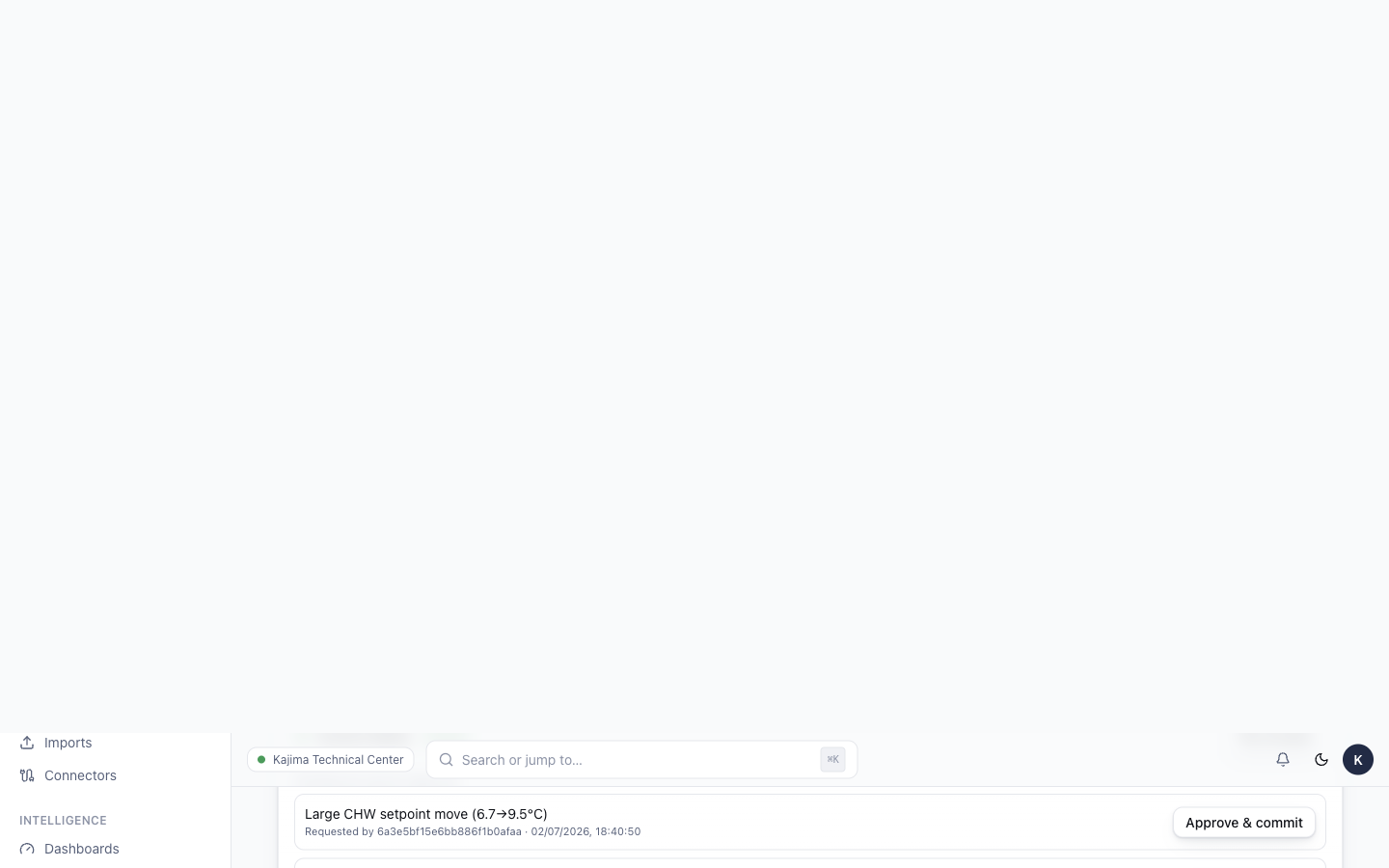
The Control Safety card shows the circuit breaker state (Armed / Locked out) and any pending two-person approvals.
- Trip breaker immediately blocks all control writes (e.g. for maintenance). Reset breaker re-arms it.
- A large or risky setpoint move is staged for two-person approval instead of applying — a second operator must Approve & commit it. You cannot approve your own request.
4.4 AI optimisation
The AI Optimisation card produces prioritised, quantified savings actions.
- Click Run analysis.
- Read the AI narrative and the estimated savings ($/month, kWh/day, CO₂/day).
- Each recommendation card explains the finding and the action to take.
4.5 GL36 staging & setpoint reset
The GL36 Staging card recommends how many chillers should run for the current load (stage up / down / hold) with the thresholds. The Setpoint-Reset Advisor suggests chilled-water, condenser and pump-ΔP resets with their savings — click Apply on a loop to push the recommended setpoint into control.
4.6 Forecast, what-if & faults
- Day-Ahead Load Forecast — the expected cooling load over the next 24h, with the peak hour highlighted so you can pre-cool or stage ahead.
- What-If Simulator — try a scenario without touching the plant:
- Change CHW setpoint, condenser setpoint and/or chillers running.
- Click Simulate.
- See the projected efficiency, power and $/month change, plus feasibility warnings. Operators can Apply these setpoints if the scenario is feasible.
- Faults & Diagnostics (FDD) — click Scan now to run the fault rules. Any finding can be Acknowledged, Resolved, or promoted to a work order with one click.
Next: 5 · Energy (EMS) →