10 · Administration
The Admin group is visible to Owners and Admins. It manages who can access the system and how.
10.1 Users
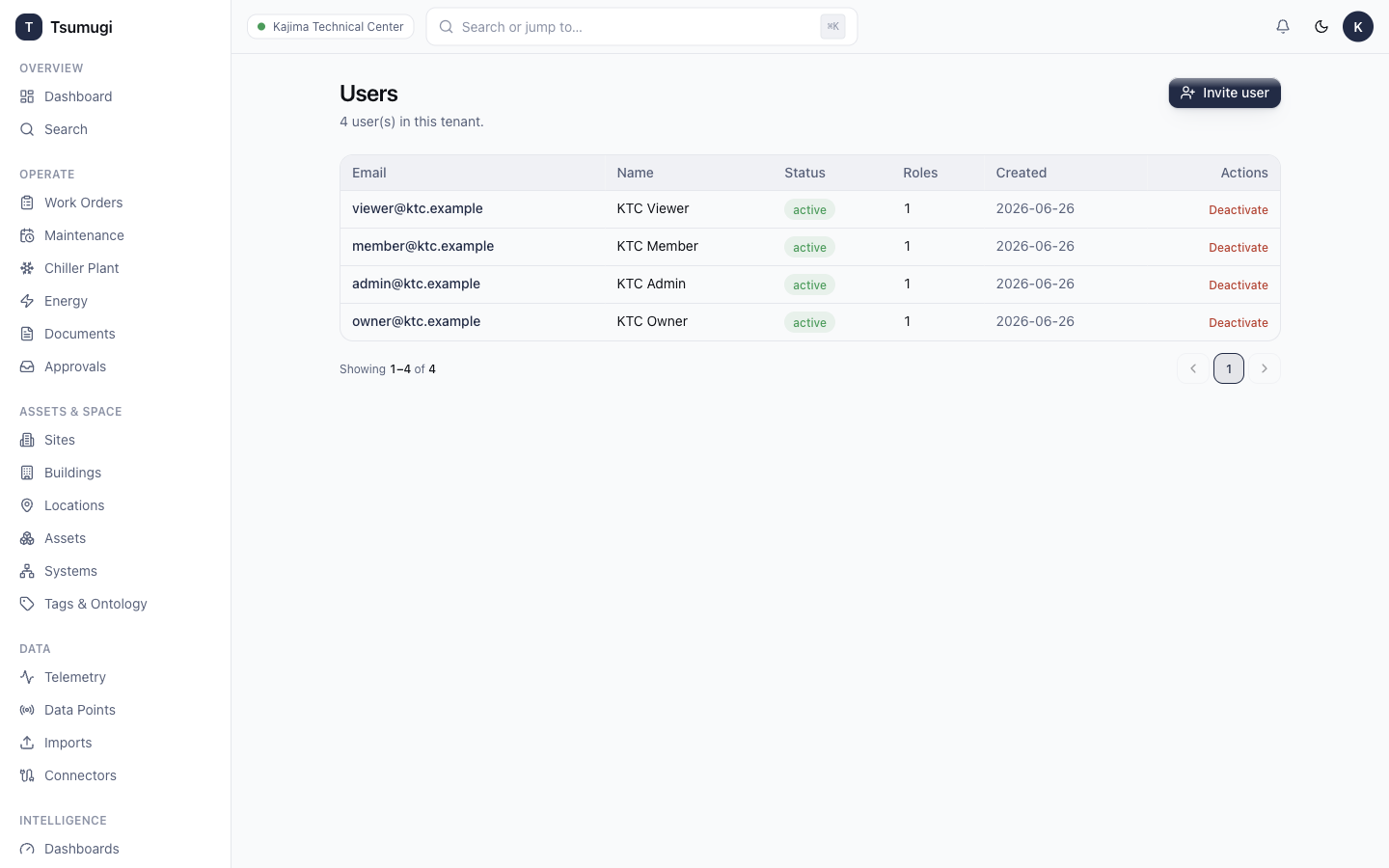
Open Admin → Users to manage people in your tenant.
- Invite a user by email and assign a role (Owner / Admin / Member / Viewer). They complete setup from the invite link.
- Edit a user's roles, or deactivate someone who has left — deactivation blocks access but keeps their history.
10.2 Roles
Open Admin → Roles. The four system roles (Owner, Admin, Member, Viewer) come pre-configured with sensible permission sets. You can inspect each role's permissions and create custom roles for fine-grained access. Access is deny-by-default — a role only grants what's explicitly listed.
10.3 API Keys & API Reference
- Admin → API Keys — create keys for programmatic/integration access. A key is shown only once at creation — copy it then. Revoke a key to cut off access immediately.
- Admin → API Reference — the live OpenAPI docs (Swagger / Scalar) for building integrations.
10.4 Audit Log
Open Admin → Audit Log. Every mutating action is recorded — who, what, when, and the change. The log is read-only (it cannot be edited), which is what makes it trustworthy for compliance.
10.5 Settings
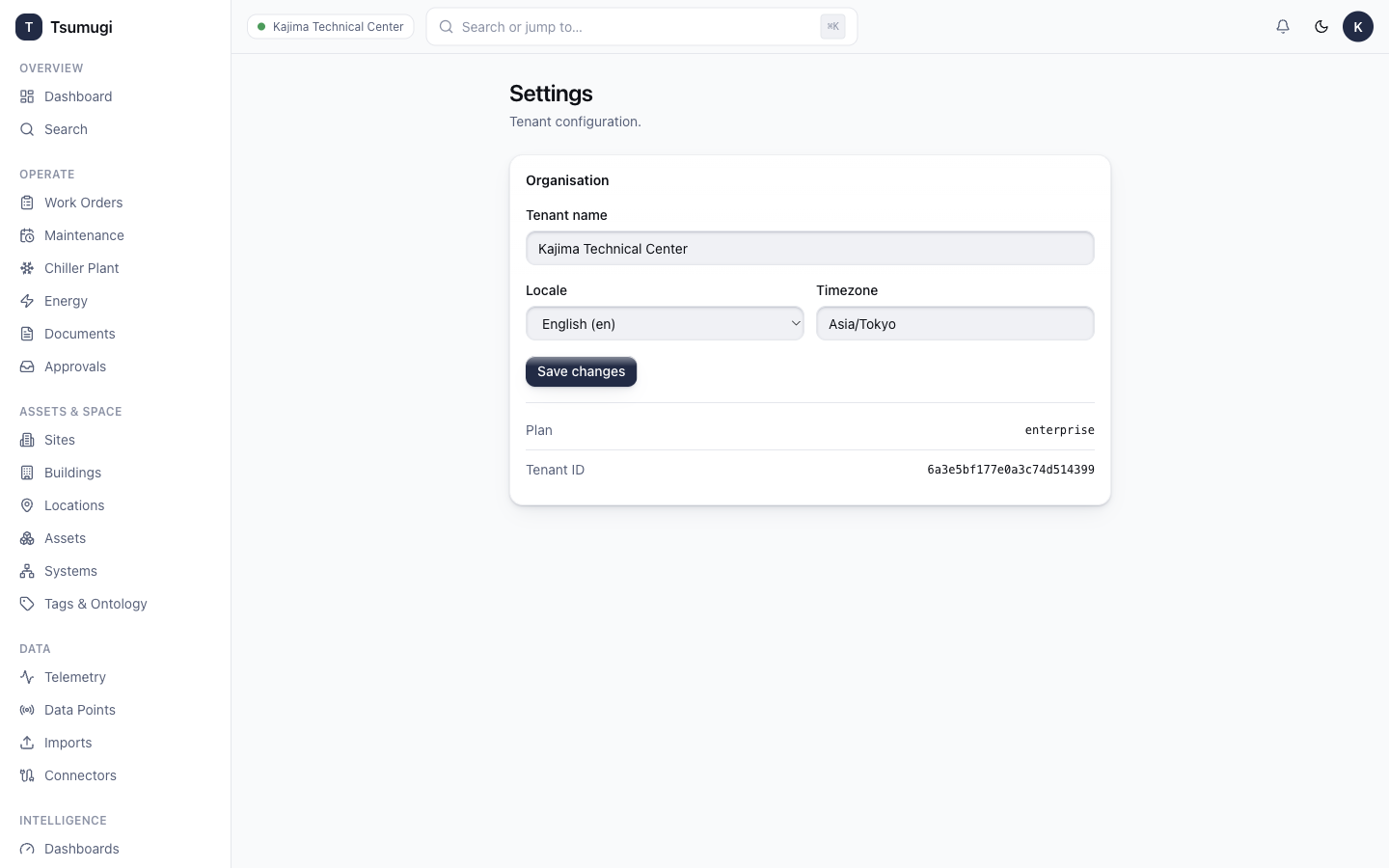
Open Admin → Settings for tenant-level configuration:
- Language — English / 日本語 / 简体中文. The interface follows your choice.
- Branding, locale/timezone, and other tenant preferences.
That's the full tour. Return to the Manual home or the Wiki any time.