7 · Data & Connectors
The Data group is where sensor data enters and lives.
7.1 Telemetry
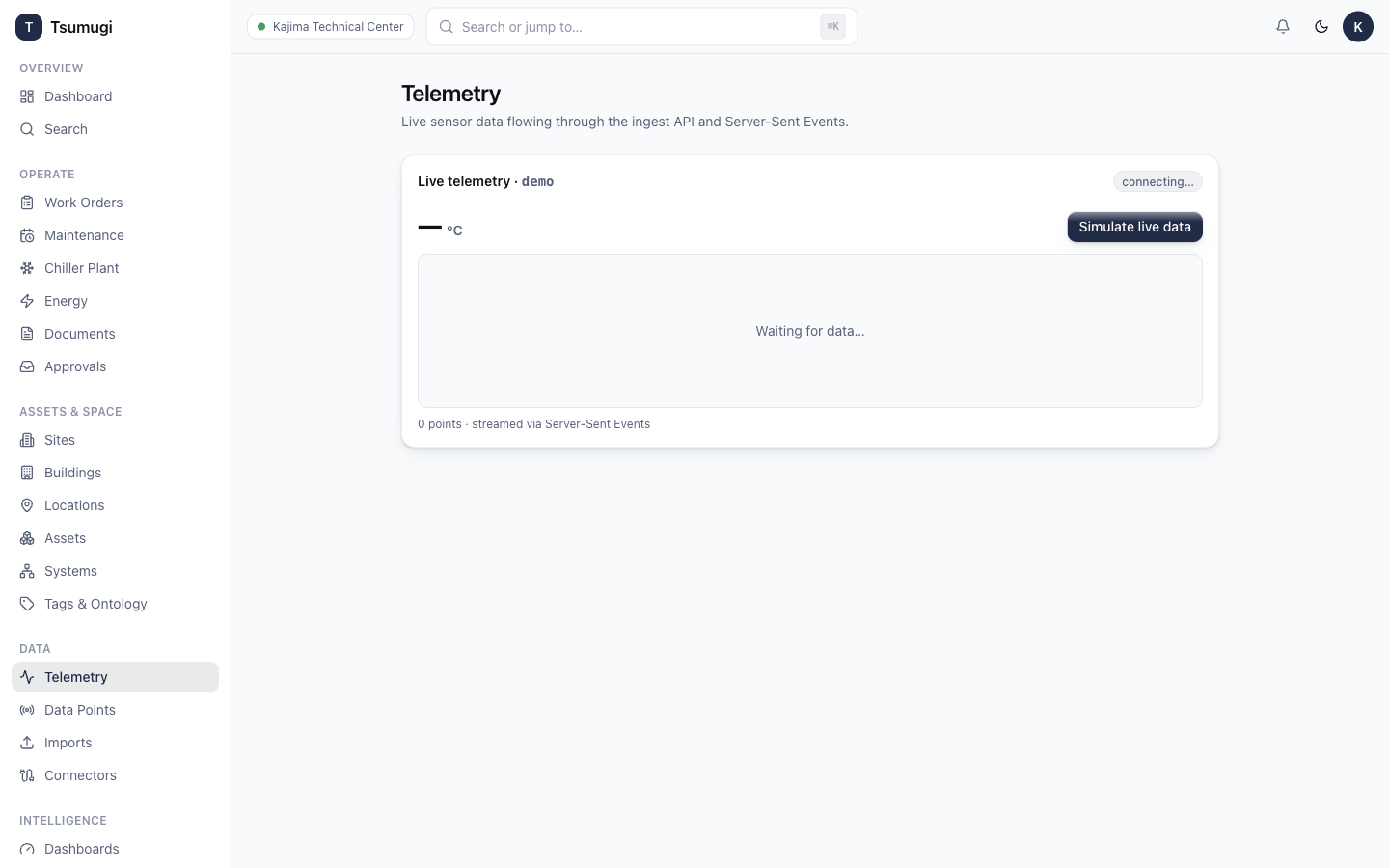
Open Data → Telemetry to explore time-series readings from data points (temperatures, power, flow…).
- Pick one or more data points.
- Choose a time range and aggregation (raw, 5-minute, hourly…).
- View the trend chart. Telemetry also streams live into the consoles and dashboards.
7.2 Data Points
Open Data → Data Points. A data point is a single measured channel on an asset (e.g. CHP-01.power_kw) with a tag, data type and unit. Create / edit them here, or let imports and connectors create them.
7.3 Imports
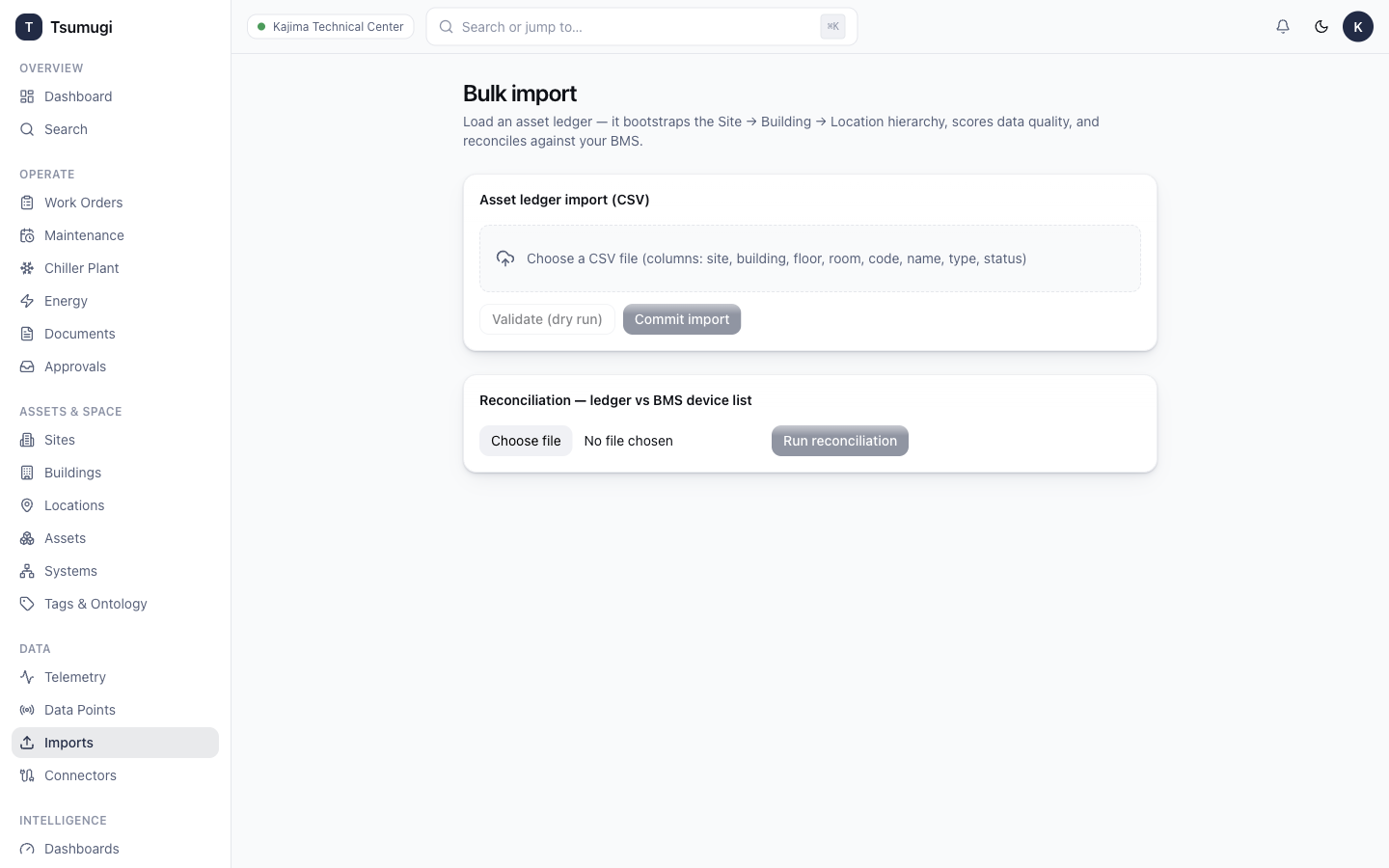
Open Data → Imports to bulk-load data from files (asset ledgers, work-order exports, meter data).
- Click New import and choose a file (CSV / XLSX).
- Map the columns to fields if prompted.
- Run the import. A reconciliation report shows rows created, updated and skipped, and any errors.
7.4 Connectors
Open Data → Connectors to configure live data sources (field gateways / protocol connectors). Each connection shows its state, so you can see at a glance whether a source is online.
Next: 8 · Dashboards →