6 · Assets & Spaces
The Assets & Space group holds the physical model of the facility: the location hierarchy, the equipment, and how equipment is grouped into systems.
6.1 Assets
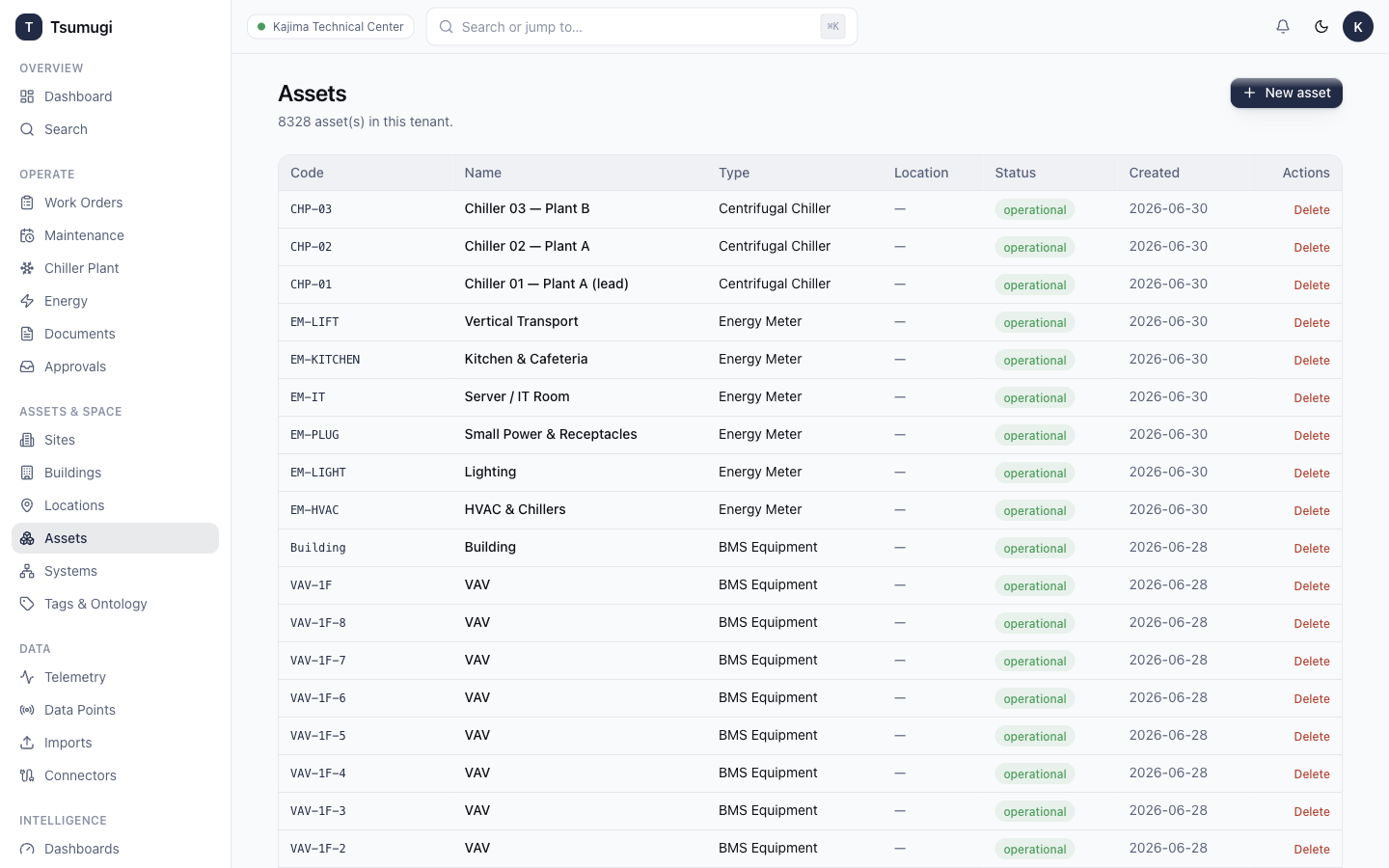
Open Assets & Space → Assets. Every managed asset has a code, name, type/classification, status (operational / degraded / down / retired), and optional location, system, brand, model and serial.
- Browse — the table is paginated; use search to jump to a code.
- Open an asset to see its details, telemetry data points and linked work orders.
- Create / Edit / Delete (with permission) via the buttons on the list and detail pages. Every change is audited.
6.2 Systems
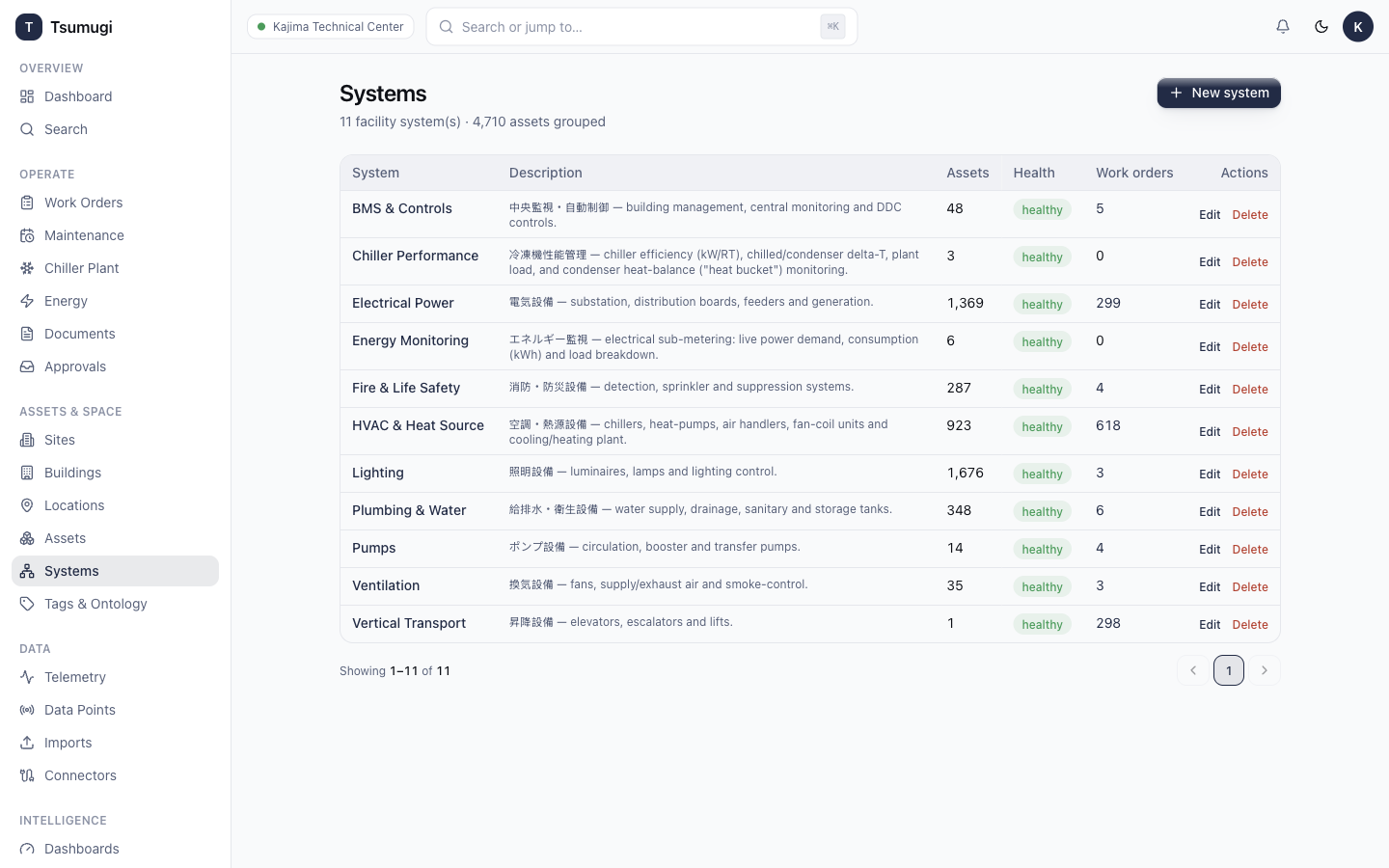
Open Assets & Space → Systems. A system groups related assets (e.g. Chiller Performance, Energy Monitoring, HVAC, vertical transport). Systems roll up their assets and work orders, and drive the CPMS/EMS consoles. Open a system to follow System → Assets → Work Orders.
6.3 Sites, Buildings, Locations
Use Sites, Buildings and Locations to maintain the spatial hierarchy:
Site → Building → Location → Asset.
Each level has full create / edit / delete (with permission) and a paginated list. Assets and work orders reference locations for reporting and drill-through.
6.4 Tags & Ontology
Open Assets & Space → Tags & Ontology to manage the Brick semantic tags applied to assets and data points (e.g. Chiller, Real_Power_Sensor). Tags make search and the AI assistant smarter, and are seeded automatically.
Next: 7 · Data & Connectors →